10 Common Website Mistakes and How to Fix Them
Wednesday, July 8, 2026
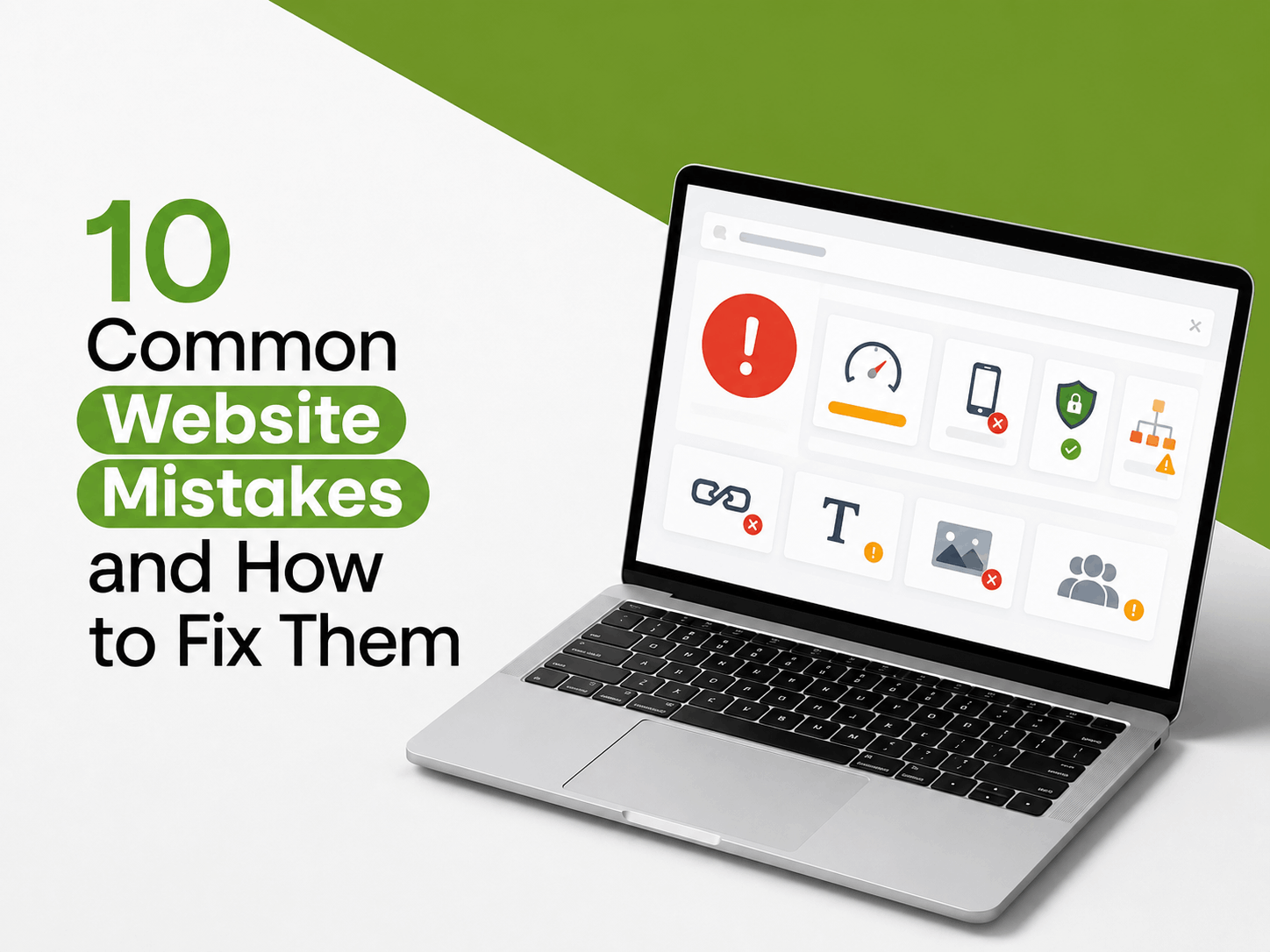
A website is more than just a business's digital presence—it serves as one of the first touchpoints for potential customers. In Malaysia, most customers will visit a company's website before deciding to make an inquiry, purchase a product, or engage its services.
Unfortunately, many business websites still contain fundamental issues that cause visitors to leave quickly, struggle to find the information they need, or lose confidence in the company.
The good news is that most of these issues can be resolved without having to rebuild your website from scratch.
In this article, we explore 10 of the most common website mistakes and provide practical solutions to help improve user experience, strengthen your online credibility, and increase your website's conversion potential.
1. Slow Website Loading Speed
Website speed plays a crucial role in delivering a positive user experience. If a page takes too long to load, many visitors will leave before viewing your content and may choose to visit a competitor's website instead.
Why Is This a Problem?
- Increases bounce rate.
- Reduces user satisfaction and overall browsing experience.
- Can negatively impact your website's SEO performance on Google.
Solution
Ensure your website is optimized for performance by reducing image sizes, using reliable hosting, and enabling caching. A faster website provides a better user experience while helping improve your business's credibility and online presence.
2. Website Is Not Mobile-Friendly
Most internet users in Malaysia access websites using their smartphones. A website that is not mobile-responsive can be difficult to navigate and use on smaller screens.
Why Is This a Problem?
- Content may appear cluttered or difficult to read on mobile devices.
- Visitors may struggle to navigate the website or interact with buttons and forms.
- Can result in lost business opportunities.
Solution
Use a responsive website design that automatically adapts to different screen sizes. This ensures your content remains accessible and easy to use across desktops, tablets, and mobile devices.
3. Unclear Call-to-Action (CTA)
Many websites provide comprehensive information but fail to guide visitors on what they should do next.
Why Is This a Problem?
Visitors may not know whether they should contact your business, request a quotation, or make a purchase, resulting in missed conversion opportunities.
Solution
Every important page should include a clear Call-to-Action (CTA), such as Get a Quote, Contact Us, or WhatsApp. A visible and well-placed CTA encourages visitors to take the next step and improves your website's conversion potential.
4. Contact Information Is Difficult to Find
A website should make it easy for potential customers to get in touch with your business. When contact information is difficult to locate, visitors may become frustrated and choose to contact a competitor instead.
Why Is This a Problem?
If your phone number, email address, or other contact details are not easily visible, potential customers may leave your website before making an enquiry.
Solution
Place essential contact information, such as your phone number, email address, and WhatsApp, in prominent locations like the header, footer, and Contact Us page. Making it easy for visitors to reach your business can help improve customer enquiries and conversions.
5. A Cluttered Homepage
Your homepage creates the first impression of your business. Too much text, excessive visuals, multiple banners, or competing messages can overwhelm visitors and make it difficult for them to understand your offerings.
Why Is This a Problem?
When the main message is unclear, visitors may struggle to understand what your business does or the value you provide.
Solution
Keep your homepage focused on one primary message and organise the content with a clean, structured layout. A simple and well-designed homepage enables visitors to quickly understand your products or services.
.png)
An example of a well-optimized website featuring fast loading speed, mobile responsiveness, clear calls-to-action, easy-to-find contact information, and a simple homepage layout.
6. Outdated Website Content
A website that has not been updated for several years can give the impression that the business is no longer active or does not maintain its online presence.
Why Is This a Problem?
Outdated content may reduce your company's credibility and make potential customers question whether your business is still operating.
Solution
Review and update your website regularly by refreshing:
- Blog articles
- Latest portfolio or completed projects
- Products and services
- Company information
- News, achievements, or business updates
Keeping your website up to date demonstrates that your business is active, trustworthy, and continuously evolving.
7. Using Low-Quality Images
Visuals play a significant role in creating a professional first impression. Poor-quality images can make even a well-designed website appear less credible.
Why Is This a Problem?
Blurred, pixelated, or inconsistent images can reduce visitors' trust and negatively affect the overall perception of your business.
Solution
Use high-quality visuals that accurately represent your business. Whenever possible, feature original company photos instead of generic stock images, and maintain a consistent visual style that reflects your brand identity.
8. Not Using HTTPS (SSL)
Website security has become an essential factor for today's internet users, particularly when sharing personal information online.
Why Is This a Problem?
Websites without HTTPS are often marked as "Not Secure" by web browsers, which can discourage visitors from submitting contact forms or other personal information.
Solution
Ensure your website is protected with an SSL certificate, so your web address begins with https://. In addition to improving data security, HTTPS helps build visitor confidence and demonstrates that your website is trustworthy.
9. Confusing Website Navigation
A complicated navigation structure makes it difficult for visitors to find the information they need, leading to a frustrating browsing experience.
Why Is This a Problem?
If users spend too much time searching for information, they are more likely to leave your website before taking any action.
Solution
Create a simple and intuitive navigation structure with clear menu items, such as:
- Home
- About
- Services
- Portfolio
- Blog
- Contact
The easier it is for visitors to navigate your website, the better their overall user experience.
10. No Trust Signals (Social Proof)
Before choosing a product or service, potential customers often look for evidence that a business is reliable and experienced. Without trust signals, visitors may hesitate to engage with your business.
Solution
Strengthen your website's credibility by displaying trust-building elements such as customer testimonials, project portfolios, case studies, client logos, or industry certifications. These elements provide social proof and help build confidence among potential customers.
.png)
An example of a trustworthy website featuring updated content, high-quality images, SSL security, intuitive navigation, and trust-building elements.
Conclusion
A website is one of the most valuable digital assets for building credibility and supporting long-term business growth. However, common issues such as slow loading speed, poor mobile responsiveness, confusing navigation, and a lack of trust signals can negatively impact user experience and reduce conversion opportunities.
The good news is that most of these issues can be identified and resolved through proper evaluation and optimisation. By maintaining and updating your website regularly, you can create a more professional online presence, deliver a better experience for your visitors, and support your business objectives over the long term.
Regular website evaluations also help ensure your website remains aligned with evolving technology, changing user expectations, and the increasingly competitive digital landscape, particularly in the Malaysian market.
Frequently Asked Questions (FAQ)
1. How Can I Tell if My Website Has Problems?
You can evaluate several key aspects of your website, including loading speed, mobile responsiveness, navigation structure, HTTPS security, and how easily visitors can find important information. Conducting regular website audits helps identify areas for improvement before they begin to affect the user experience or business performance.
2. Can an Existing Website Be Improved Without Building a New One?
Yes. In many cases, an existing website can be optimised without requiring a complete rebuild. Improvements can be made to performance, design, navigation, security, and content, depending on the current condition of the website and your business objectives.
3. How Often Should a Website Be Updated?
A website should be reviewed and updated regularly to ensure its content remains accurate, relevant, and up to date. This may include publishing new blog articles, updating your portfolio, refreshing service information, and keeping company details current to reflect your business growth.
4. Does Website Speed Really Affect Business Performance?
Yes. A fast-loading website provides a better user experience, improves visitor satisfaction, and can lead to higher conversion rates. In addition, website speed is one of the factors considered by search engines when determining search rankings.
5. Why Is It Important for a Website to Be Mobile-Friendly?
Most internet users in Malaysia access websites through smartphones. A responsive website ensures visitors can easily browse content, navigate pages, and contact your business regardless of the device they are using.
6. Should All Website Issues Be Fixed at the Same Time?
Not necessarily. Every website has different priorities. In most cases, it is best to address the issues that have the greatest impact on user experience first, such as website speed, mobile responsiveness, security, and navigation. Additional improvements can then be implemented gradually based on your business needs and priorities.
Closing
If, after reading the points above, you discover that your business website still has some of these issues, there is no need to rush into a complete redesign. Start by addressing the areas that have the greatest impact on user experience and your business objectives.
Every website has unique requirements, which is why a proper evaluation is essential to identify the right priorities and achieve the most effective improvements.
If you would like professional guidance, RNTech is ready to help evaluate, optimise, and enhance your website based on your business needs in Malaysia. Contact the RNTech team to discuss your requirements or schedule a consultation, and receive practical recommendations to improve your website's performance and support your business growth.